
The Peek guides
Discreet Apple Watch notes and cheat-sheet guides
Keep names, figures and your next point close. Explore discreet cheat sheets, speaking cues and study reminders, with clear guidance on what hidden notes can do and where reference material is permitted.
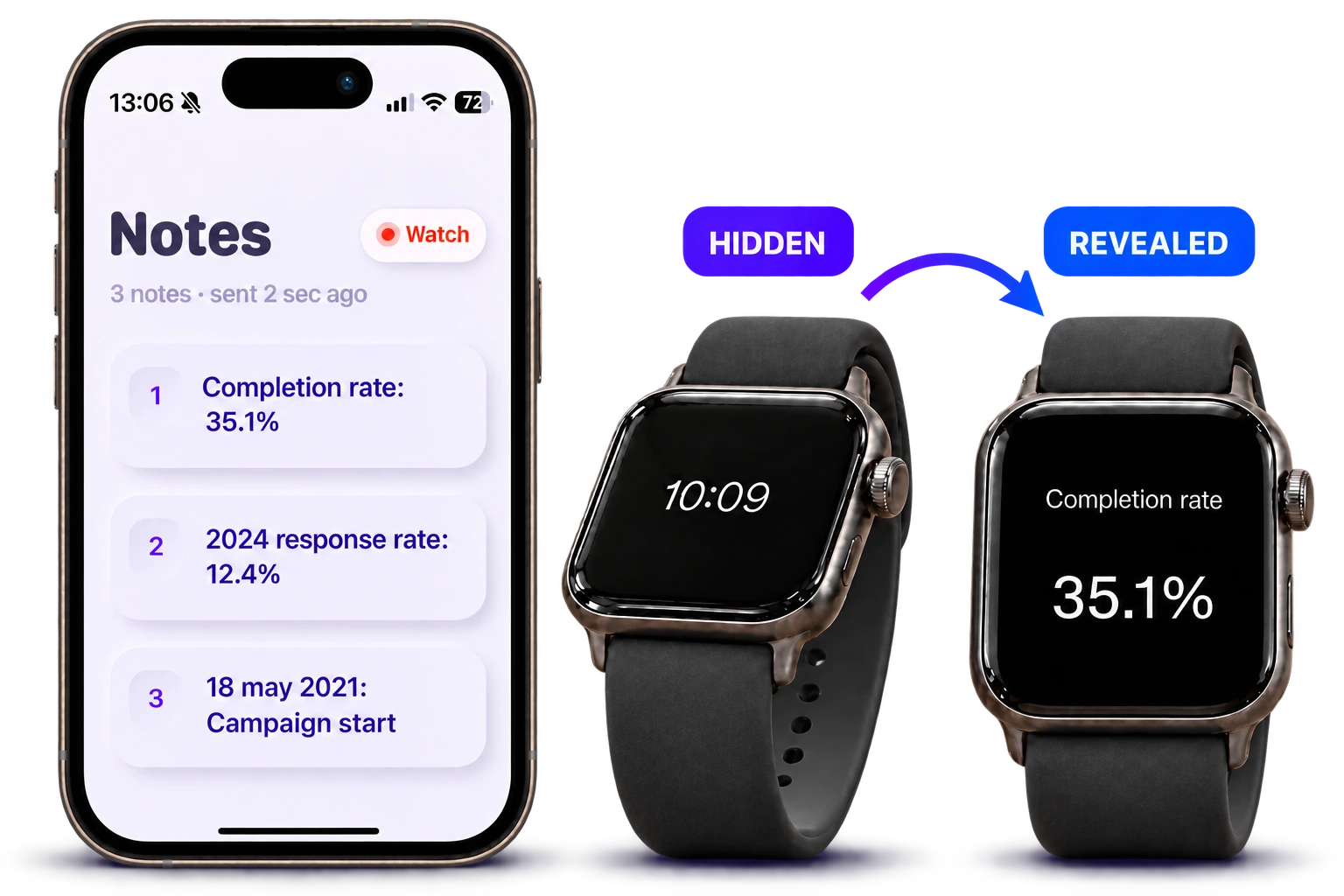
Discreet notes and personal reference
Understand hidden notes, choose a brief cue and keep reference material appropriate to the setting.
How a discreet, hidden cheat sheet works on Apple Watch
Learn how Peek reveals and hides short reference notes on Apple Watch, where a discreet cheat sheet fits, and what visual hiding does not protect.
Read guide →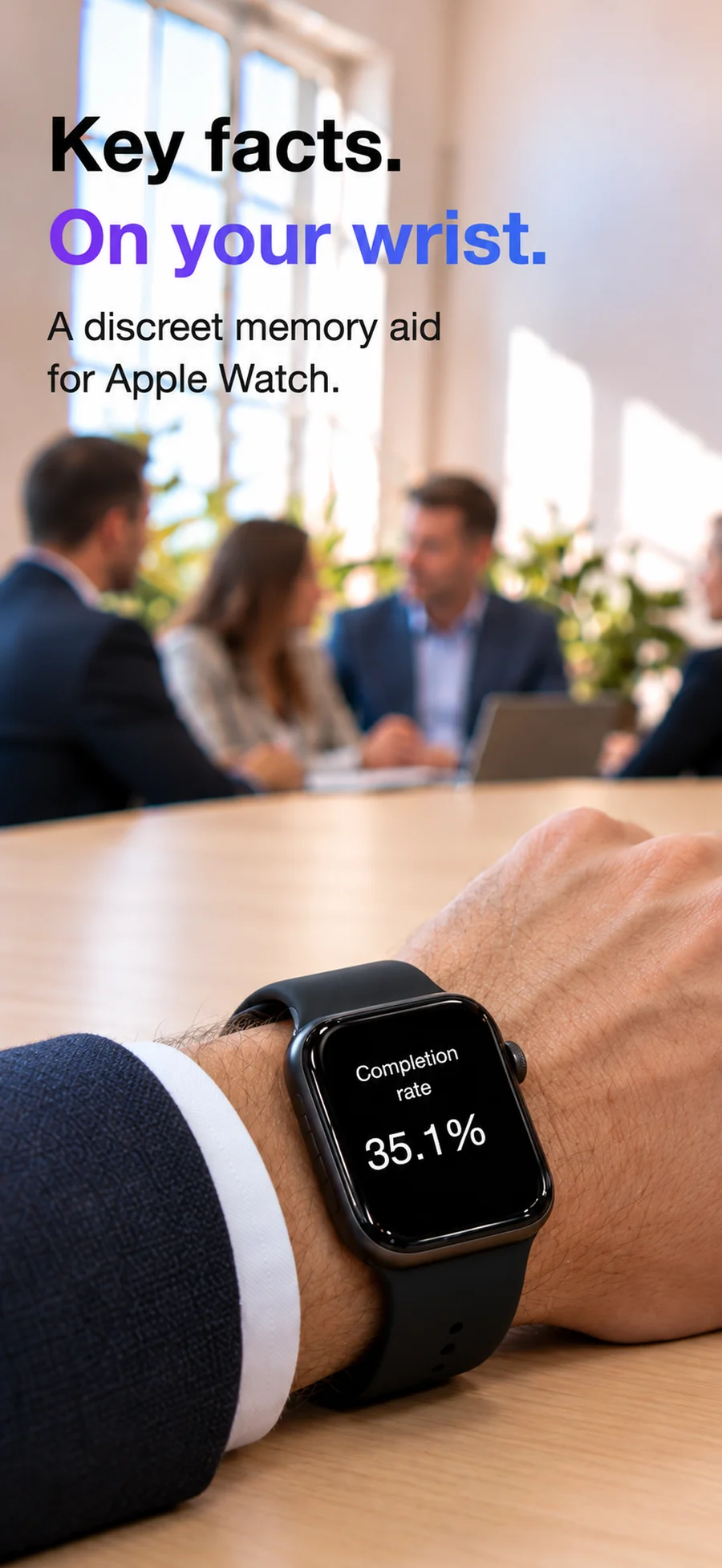
Discreet meeting notes on Apple Watch: names and talking points
Prepare quiet wrist reminders for meetings: names, figures, follow-up questions and talking points, without a long script.
Read guide →Hidden notes vs locked notes: what “discreet” protects
Understand hidden watch notes, locked notes and encrypted storage. Peek’s tilt-to-read display is a reference feature, not a secure vault.
Read guide →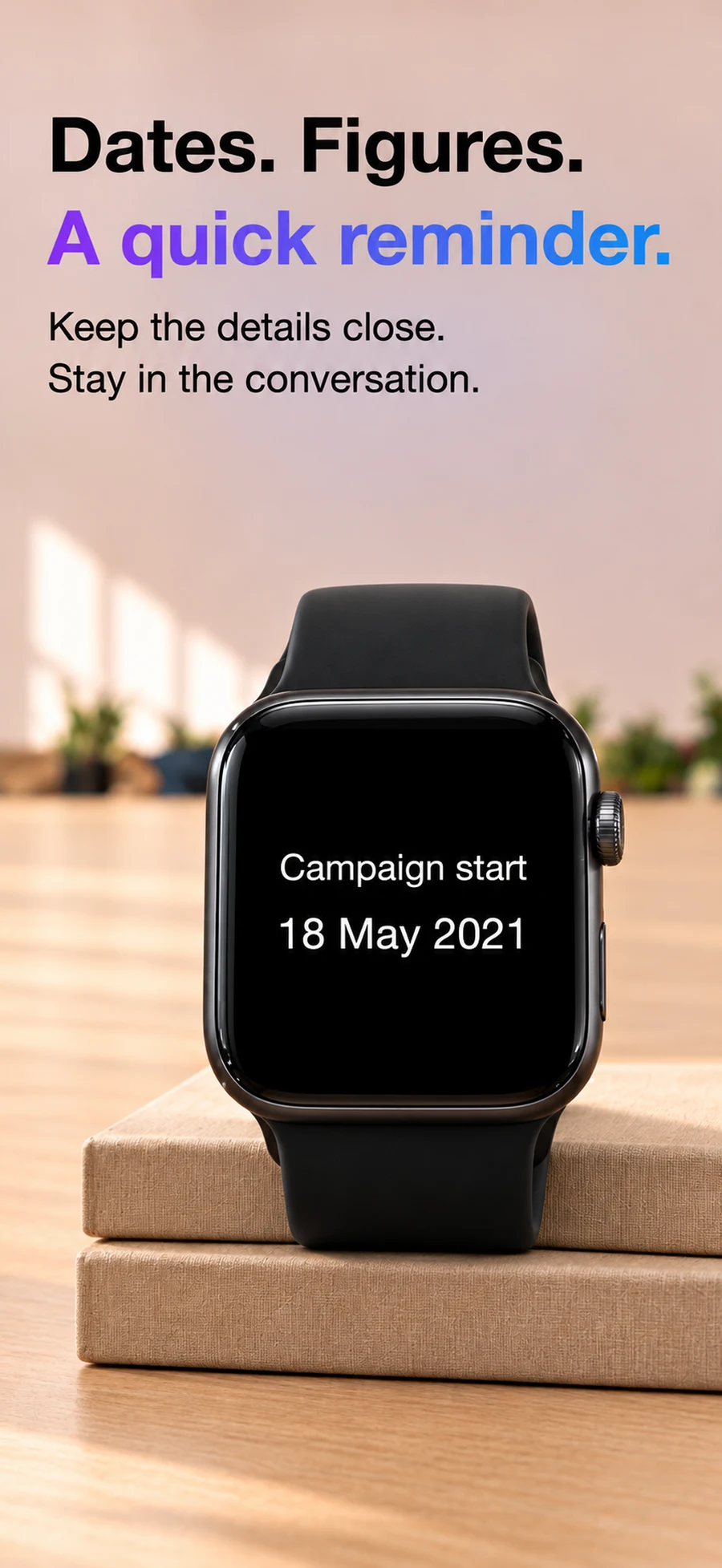
Make a cheat sheet for iPhone and Apple Watch
Build a short personal reference sheet for a presentation or meeting. Compare wrist cues, iPhone notes and quick-reference widgets.
Read guide →Speaking and rehearsal
Prepare the next point, the closing toast and a pace you can follow.
Apple Watch speech notes: a practical cue-card guide
Prepare speech notes on Apple Watch with short cue cards, a rehearsal checklist and Peek’s tilt-to-read controls.
Read guide →Apple Watch teleprompter or wrist cue cards?
Understand the difference between reading notes on Apple Watch and using it as an iPhone teleprompter remote.
Read guide →Wedding speech notes on Apple Watch: a cue-sheet template
Prepare a wedding speech cue sheet for your Apple Watch, with sample prompts for a toast, thank-you and closing line.
Read guide →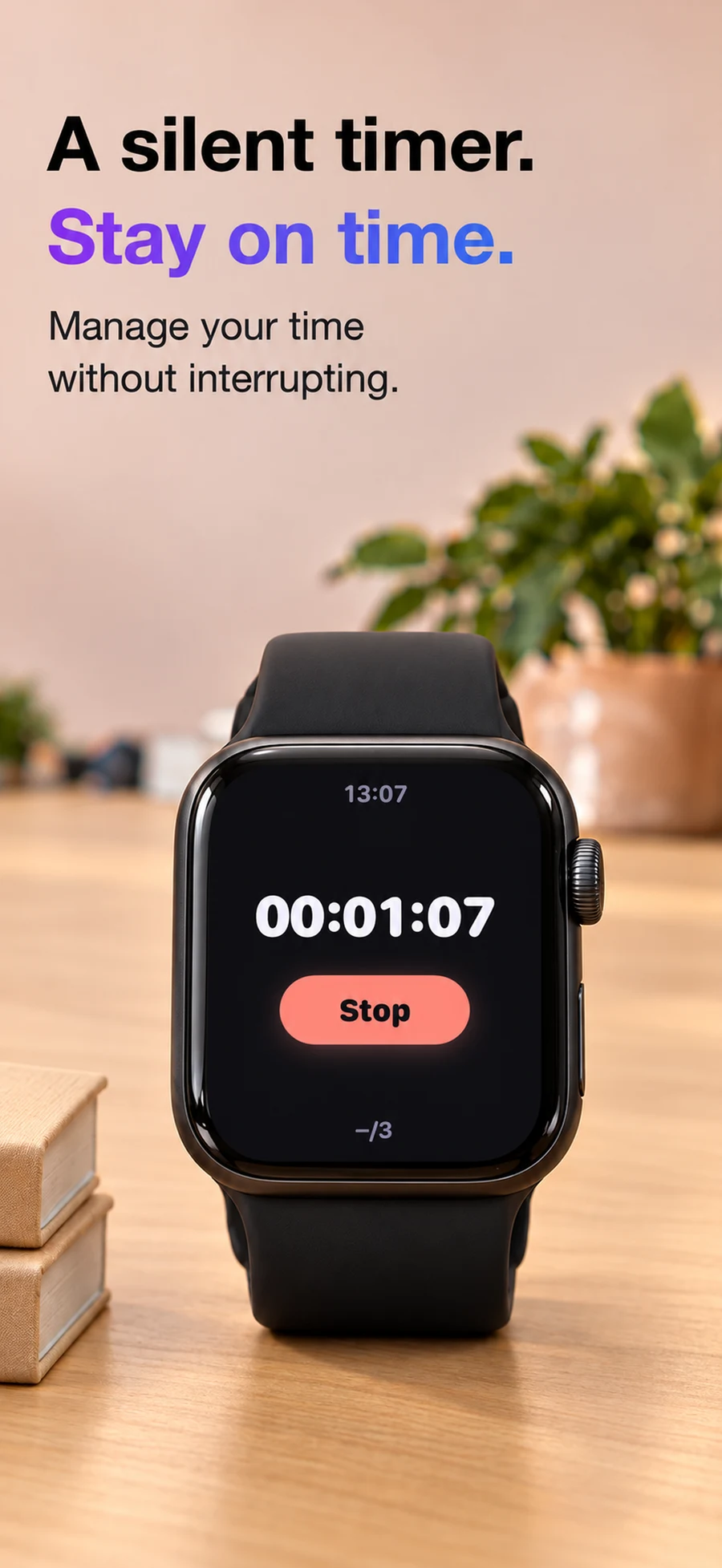
Apple Watch presentation timer with silent pacing taps
Use Peek’s timer and optional haptic pacing taps to rehearse a presentation and keep track of elapsed time.
Read guide →Study and permitted reference
Keep revision separate from assessments and live play. Check the rules for both notes and devices.
Study notes on Apple Watch: revision and permitted reference
Use short Apple Watch study cues for revision and class presentations. Understand why an allowed cheat sheet does not always mean an allowed smartwatch.
Read guide →Poker study notes on Apple Watch: preparation, not live help
Keep short poker study reminders for review away from play. Understand the difference between study notes and prohibited electronic assistance at the table.
Read guide →Choose and set up your app
Compare documented workflows and get your notes ready on the watch.
Peek vs Cheatsheet Notes: speaking cues or quick reference?
Compare Peek and Cheatsheet Notes for Apple Watch: tilt-to-read speaking cues versus widgets and everyday reference notes.
Read guide →Peek vs Apple Notes on Apple Watch
Apple Notes now works on Apple Watch. Compare its synced notes with Peek’s presentation cues, tilt-to-read controls and pacing taps.
Read guide →Peek notes not showing on Apple Watch: setup and fixes
Troubleshoot Peek note transfer from iPhone to Apple Watch, check requirements and confirm the reveal gesture before a presentation.
Read guide →