The Peek guide
Peek vs Apple Notes on Apple Watch
Apple Notes is available on Apple Watch and can create, display, pin and delete notes. Peek is a separate app for prepared speaking cues, with tilt-to-read behavior and optional pacing taps. Start with Apple Notes for your everyday notes. Try Peek if you want to rehearse with brief prompts you reveal on your wrist.
What Apple Notes already does
Apple’s Watch guide documents creating and reading notes, pinning frequently accessed notes and iCloud synchronization. Existing notes are edited on iPhone, iPad or Mac. Some formatting and attachments are not visible on the watch.
If you already use Apple Notes, test a short speaking outline there before choosing another app. You may find it already does what you need.
Why use Peek for a talk?
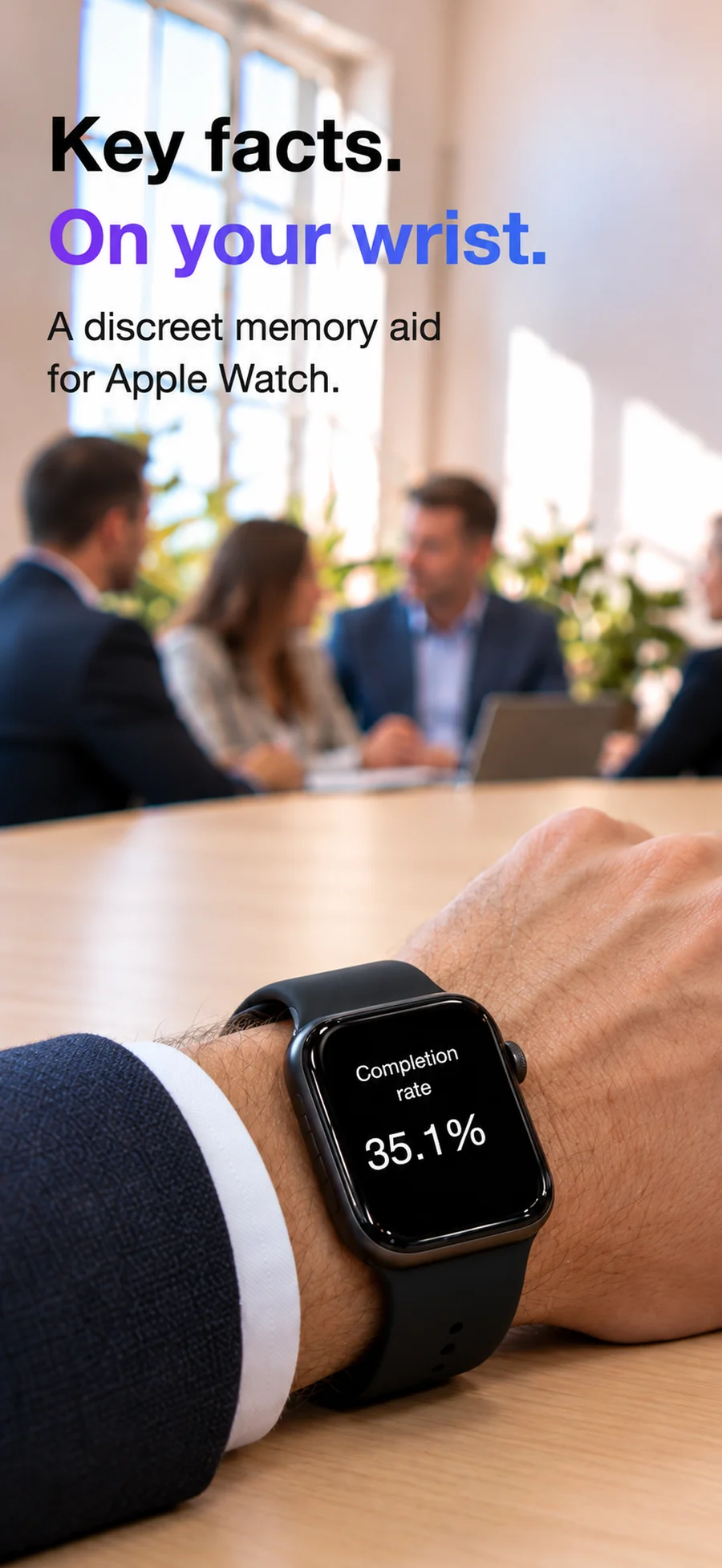
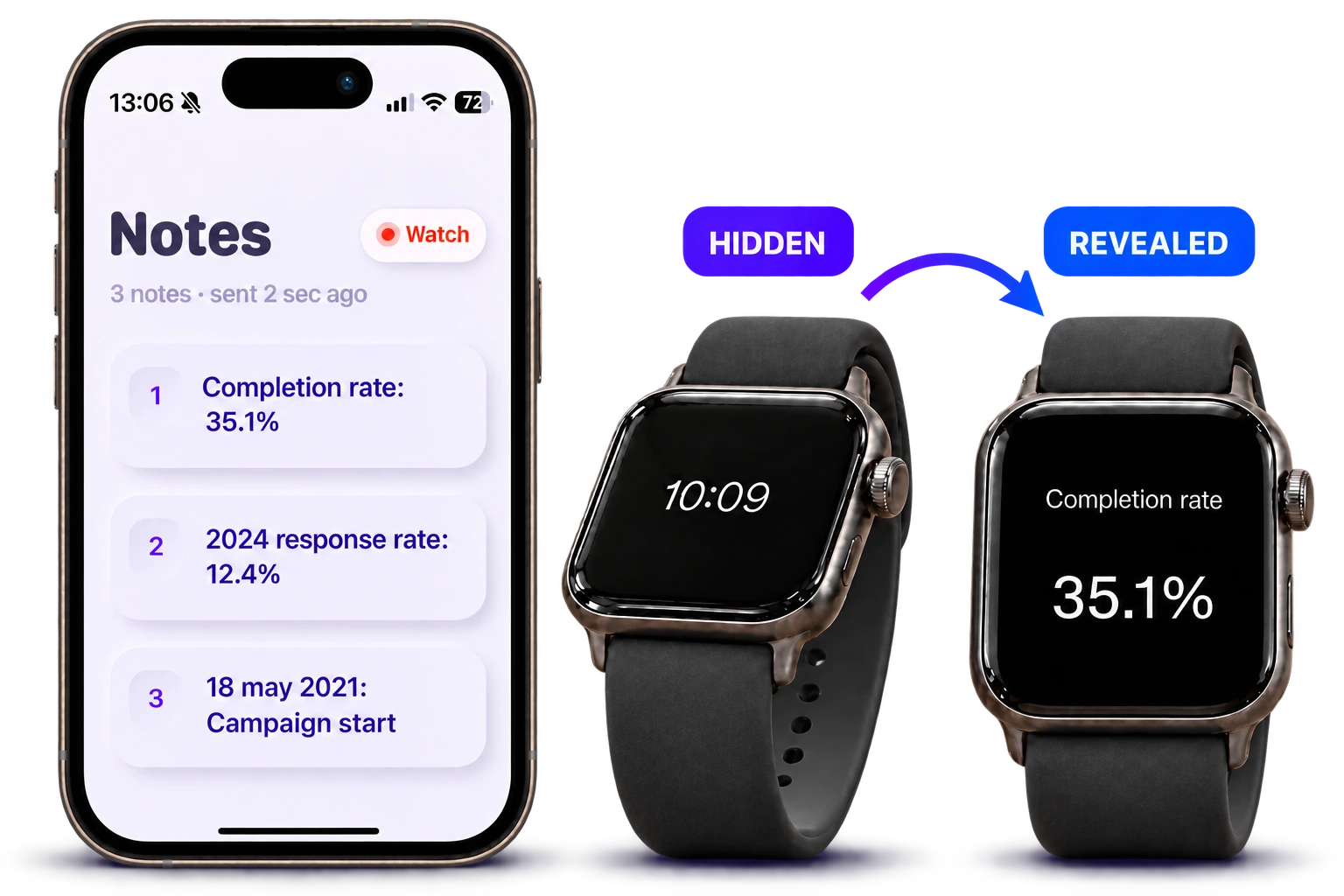
Prepare a cue on iPhone and send it to your paired watch. In Peek, double-tap the watch screen, tilt forward to read and level your wrist to hide the text.
Optional pacing taps and the timer support rehearsal and delivery. Plus adds multiple notes, sensitivity controls, optional shake-to-close and Watch memory. One short note and pacing taps are included free.
Check your devices and rehearsal needs
Peek requires iOS 18 or later and watchOS 11 or later. Apple Notes availability depends on your watch software; consult Apple’s current Watch guide for your version.
Questions
Does Apple Watch have Apple Notes now?
Yes. Apple’s current Watch user guide describes a Notes app for creating, viewing, pinning and deleting notes with iCloud sync.
Does Peek import my Apple Notes library?
The documented Peek workflow is writing notes on iPhone and sending them to the paired watch. Apple Notes library import is not part of the workflow described here.