Get your details ready.
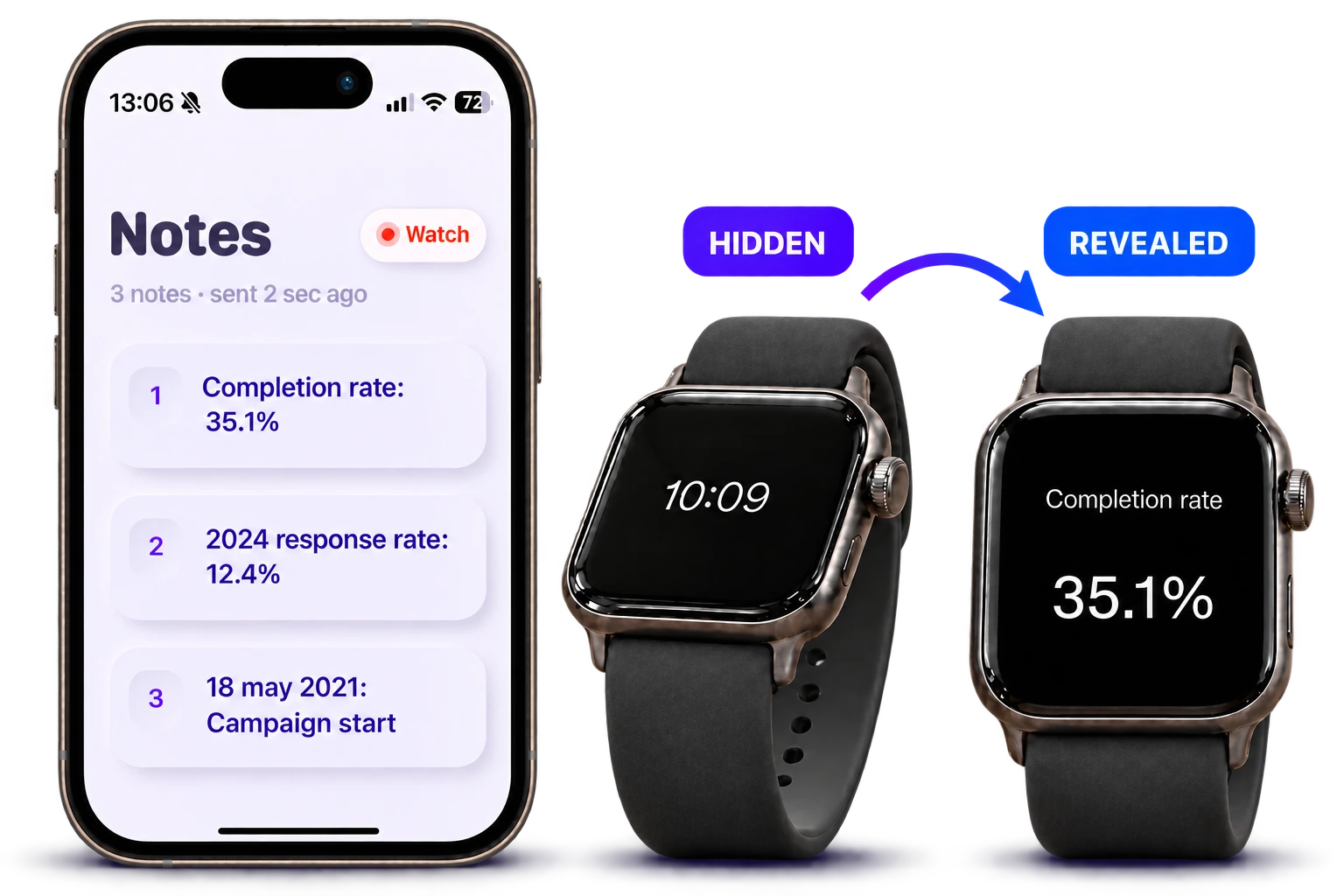
Write a short cue on iPhone. Tap Send to watch.
 PeekHidden Notes on Watch
Peek: Hidden Notes on Watch
Write on iPhone. Send to your watch.
Keep the dates, figures and details you need on your wrist, hidden until you tilt to read.
Try one short note free · More with Peek Notes Plus
A memory aid for the moment you need it
Your next presentationYour opening words and next point, ready at a glance.
Names, dates & figuresThe date, percentage or name you can’t afford to forget.
Everyday remindersShort cues that help bring the rest back to mind.
Dates. Figures. A quick reminder.
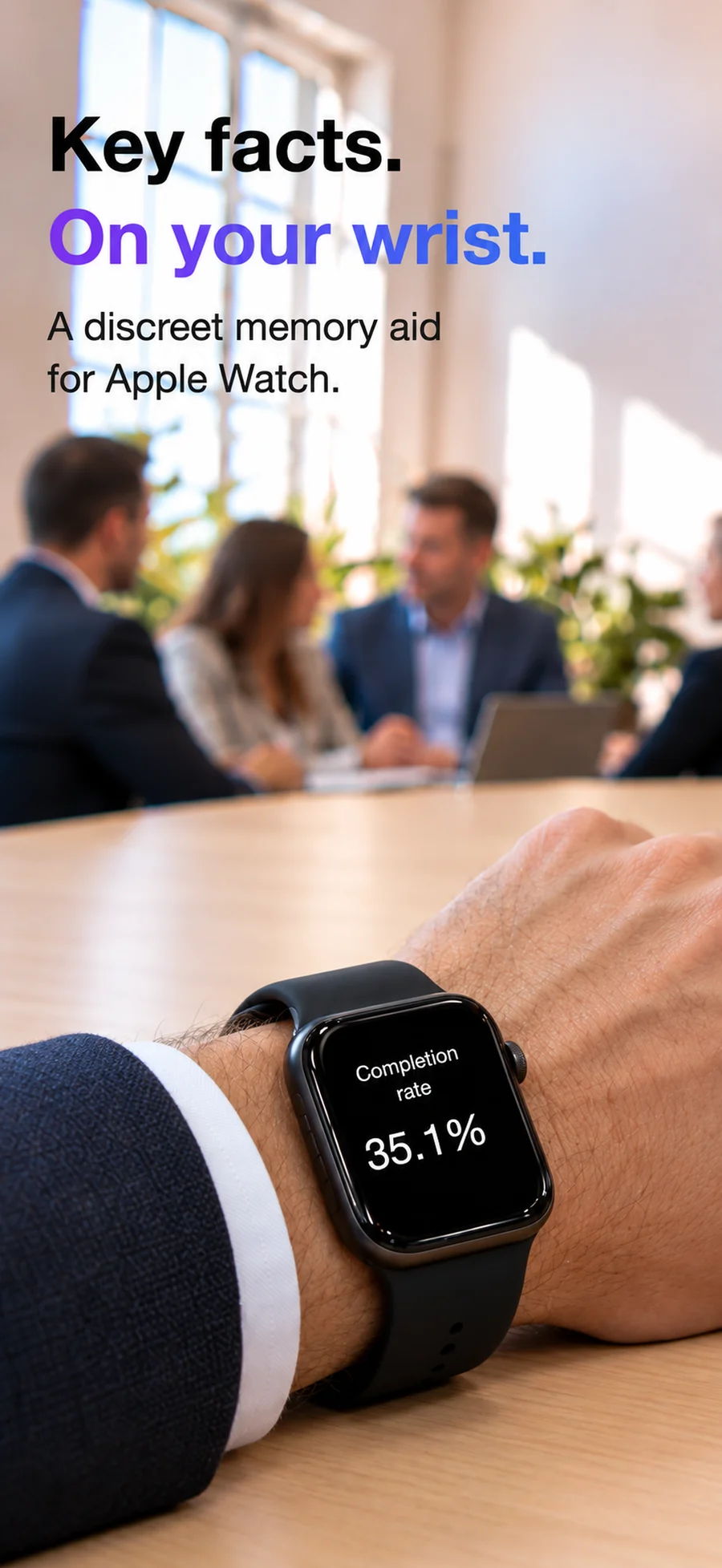
Stress can make a familiar name or figure slip away. A short cue on your wrist can help you pick up your thought and carry on.
Your personal cue sheet for presentations, meetings and rehearsals. Five to ten words per note is a good place to start.
Three small steps
Write a short cue on iPhone. Tap Send to watch.
Double-tap the watch screen. A haptic tap tells you the note is ready, still hidden.
Tilt forward to read; level your wrist to hide. Long-press for the next note.
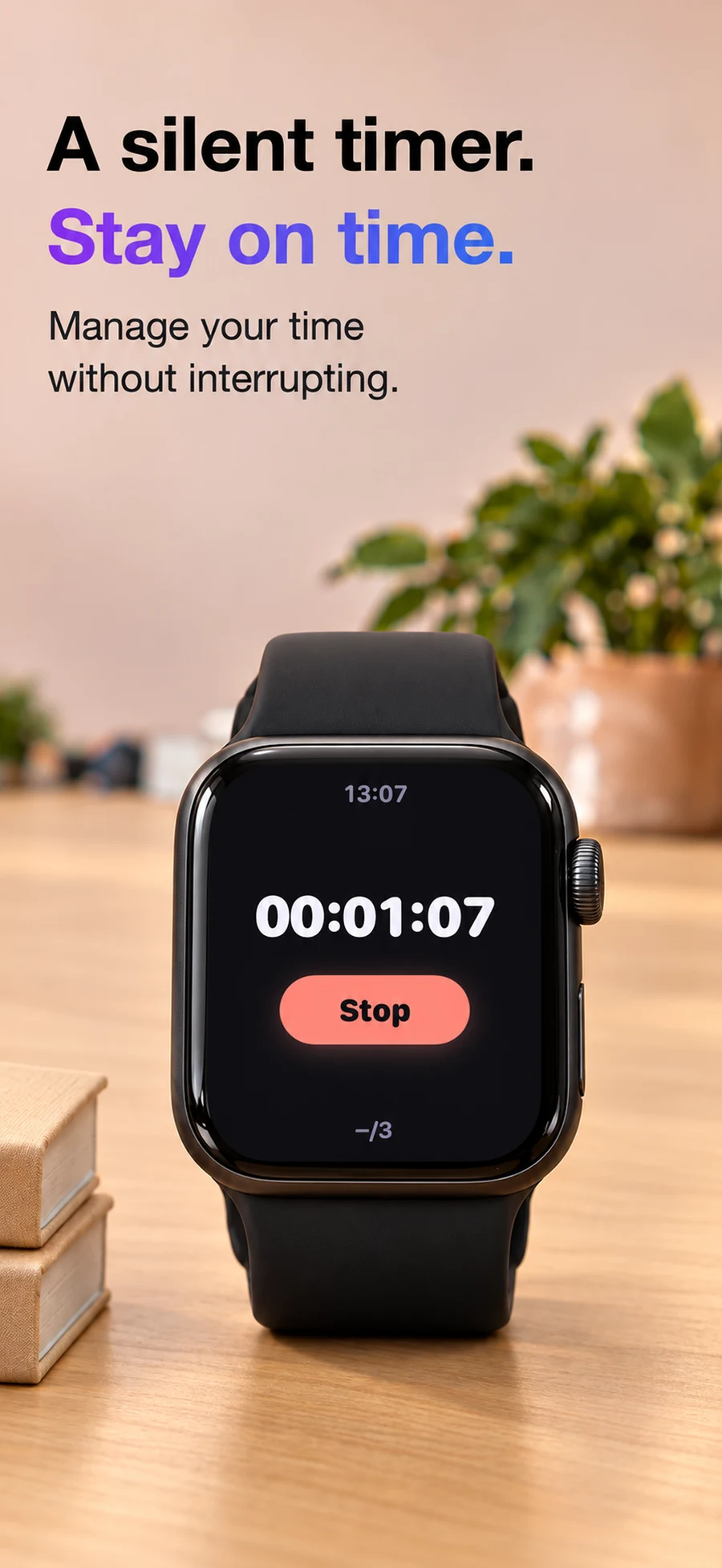
A silent timer. Stay on time.
Choose an interval for gentle pacing taps. Feel the time pass while you stay in the conversation.
Your notes, your devices.
Notes travel directly from iPhone to your paired Apple Watch. No Peek account or sign-up.
Read the privacy policy ↗A little more room
Try one short note and pacing taps free. Unlock more with Plus.
Weekly or yearly subscription, or a one-time lifetime purchase. Check the App Store for current regional prices and terms. Manage subscriptions in your Apple account.
Good to know
Peek is a memory aid for Apple Watch. It keeps short reference notes on your wrist for presentations, meetings, rehearsals and everyday conversations.
Yes. Peek works as a personal cue sheet for a talk or meeting where reference notes are welcome: an opening line, a name, a date or a key figure.
An iPhone running iOS 18 or later, a paired Apple Watch running watchOS 11 or later, and Peek installed on both.
One short note, tilt-to-read gestures and pacing taps. Plus adds unlimited notes and length, gesture sensitivity controls, shake-to-close and Watch memory.
Open Peek on your watch and tap Send to watch again on iPhone. Keep both devices close with Bluetooth enabled. Contact support if you need help.
Peek: Hidden Notes on Watch
For iPhone and paired Apple Watch · iOS 18+ · watchOS 11+
Made by Kevin. Here if you need a hand. →