The Peek guide
Apple Watch speech notes: a practical cue-card guide
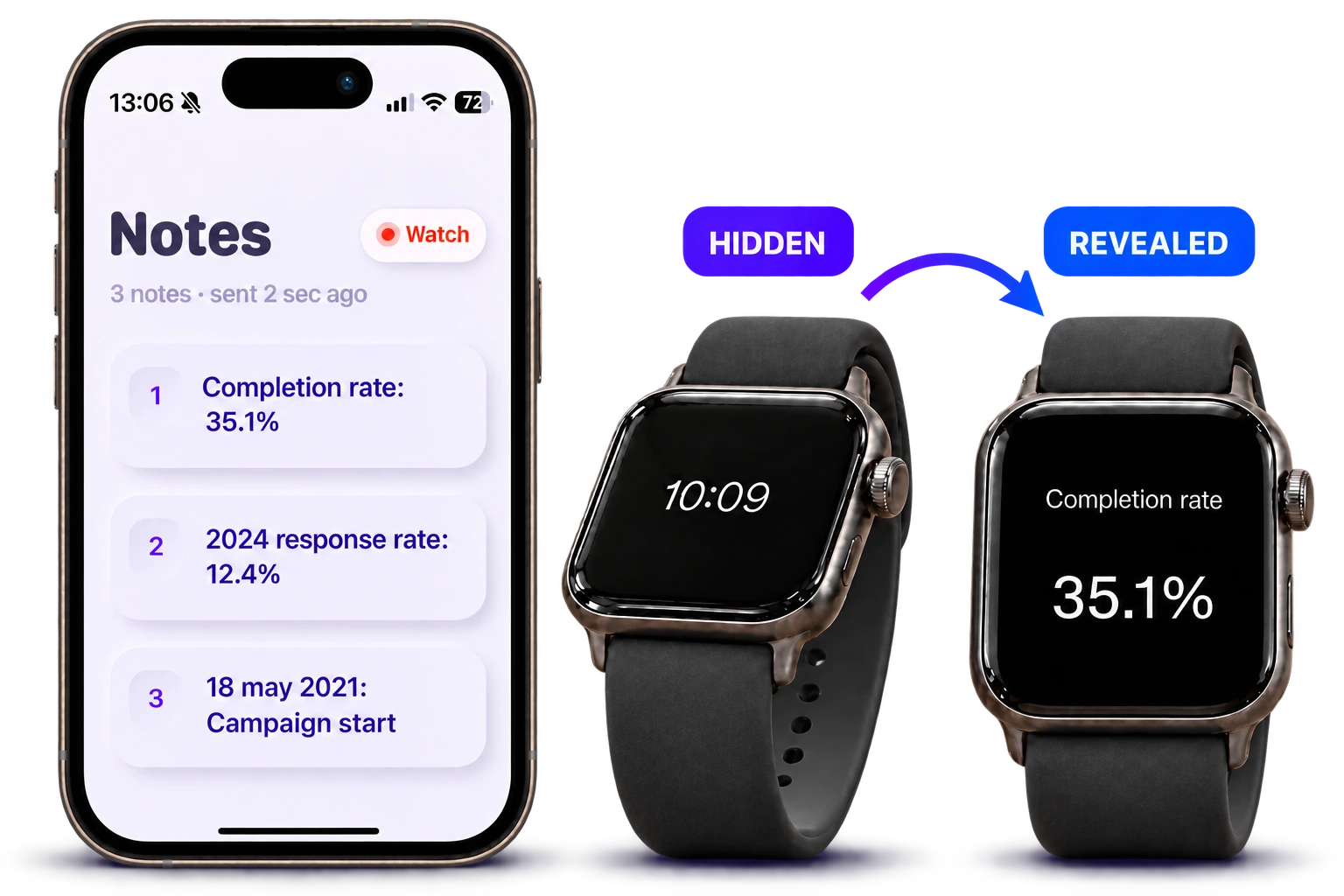
For a speech, use your Apple Watch for short prompts: your opening, a key fact and the next transition. In Peek, write on iPhone, send to the watch, double-tap the watch screen to prepare the note, then tilt forward to read.
Turn your outline into cues
Draft the full talk wherever you normally write. Then pull out only the information you might need to recover: a name, a number, the start of a story or the next section. Our suggested starting point is five to ten words per note; adjust after rehearsal.
A small screen is easier to use when each cue carries one idea. Read a prompt during a pause, then look back at the audience before continuing.
- Opening: “Why this problem matters to our team”
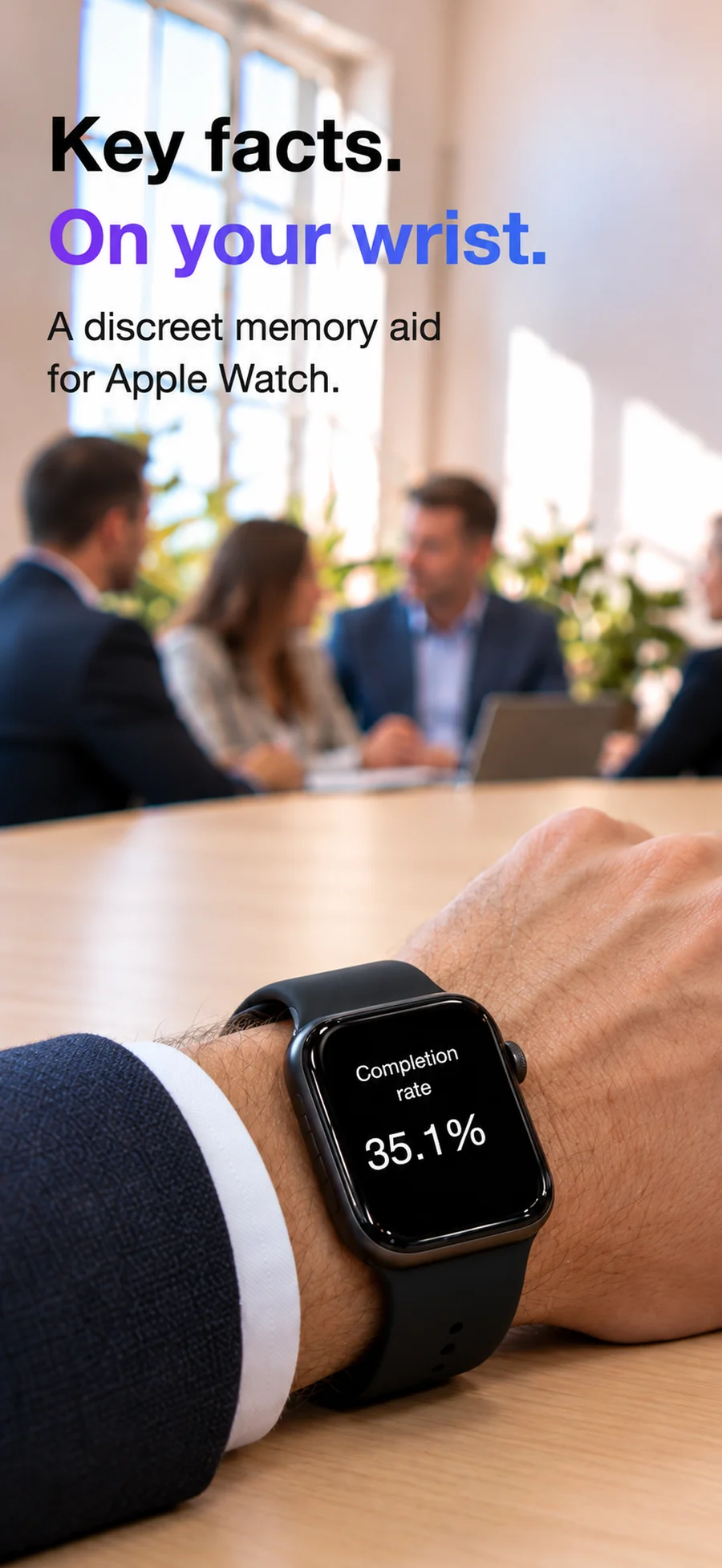
- Evidence: “Pilot result: 35.1% completion rate”
- Transition: “What changes next quarter?”
- Closing: “Agree owner, deadline and next meeting”
Prepare Peek before you speak
Install Peek on both your iPhone and paired Apple Watch. Peek requires iOS 18 or later and watchOS 11 or later. One short note is included free; multiple notes require Plus.
- Write the cue on iPhone and tap Send to watch.
- Open Peek on the watch and confirm the expected note arrived.
- Double-tap the watch screen to prepare the hidden note.
- Tilt forward to reveal it and level your wrist to hide it.
- With multiple notes, long-press for the next note. Rehearse that movement.
Run a rehearsal with the actual watch
Stand up and deliver the opening aloud. Use your normal hand gestures and check that you can reveal and hide a note comfortably. If you need to read whole paragraphs, move the script to an iPhone or paper.
Try optional pacing taps at a chosen interval. They are reminders of elapsed time, so you still need to decide where each section should end. Keep a paper backup if the talk depends on exact wording.
Questions
Can I read an entire speech on my Apple Watch?
You can put text on a watch, but short prompts are easier to glance at. Peek is intended as a cue sheet. For continuous reading, consider an iPhone teleprompter or printed script.
Is Peek’s double-tap an Apple system gesture?
The instructions here mean double-tapping the watch screen inside Peek. Practice the app’s controls before presenting.