The Peek guide
Wedding speech notes on Apple Watch: a cue-sheet template
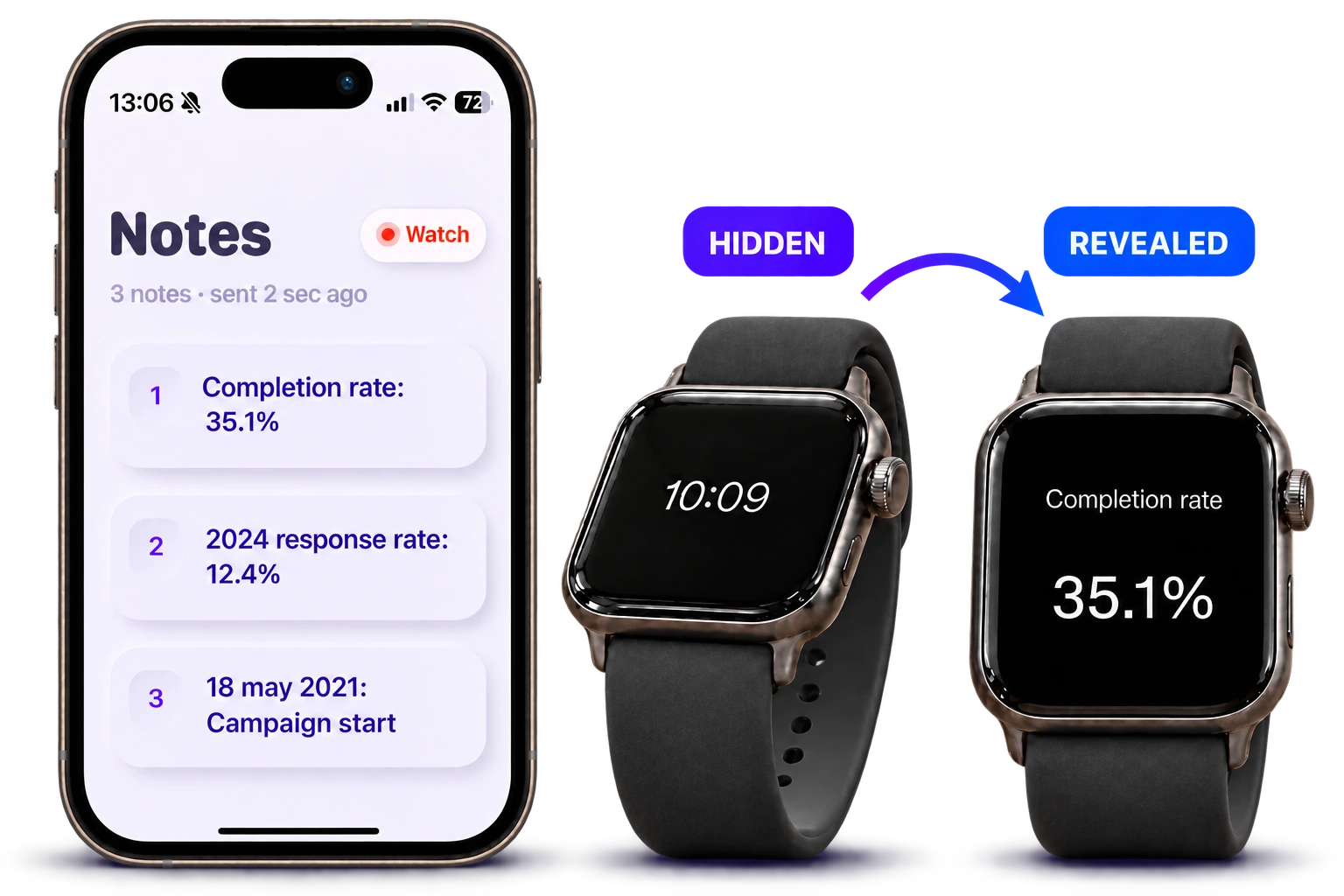
For a wedding speech, keep names, one story prompt, your thank-you and the toast on a short cue sheet. Rehearse with the watch you will wear so that each glance happens during a natural pause. Peek can display those cues from notes prepared on iPhone.
Build the speech around a few memorable cues
Write your first draft in full if that helps. Then turn it into reminders you can understand without rereading the story. Keep the names that would be uncomfortable to forget and the exact wording of the closing toast.
Use this example as a starting point and replace the details with your own.
- Welcome — introduce my connection to the couple
- Story — the rainy station pickup
- Meaning — kindness when plans go wrong
- Thanks — families, friends and everyone who helped
- Toast — to Sam and Alex, and what comes next
Practice the emotional moments
Say every name aloud. Pause after the story’s last line and leave room for laughter or applause. If you are likely to become emotional, keep the next transition simple enough to recognize at a glance.
A watch can hold a backup cue, but it cannot tell you when the room needs another moment. Let the audience set the pace around those pauses.
Set up the watch before the celebration
Send the note from Peek on iPhone to your paired watch, confirm it arrived and practice the screen double-tap and tilt controls. Multiple separate cues require Plus; the free version includes one short note.
Check the watch battery and keep a paper copy with someone you trust. If reading a complete script feels more comfortable, use paper or an iPhone rather than forcing the speech onto a small screen.
Questions
Should my wedding speech be one long watch note?
Short prompts are usually easier to recognize during delivery. If you need every sentence in front of you, choose a larger display or a printed script.
Can I use Peek for just the toast?
Yes. A single short cue can hold an opening or closing reminder. Try the free note in rehearsal to check whether it is enough.