The Peek guide
Apple Watch teleprompter or wrist cue cards?
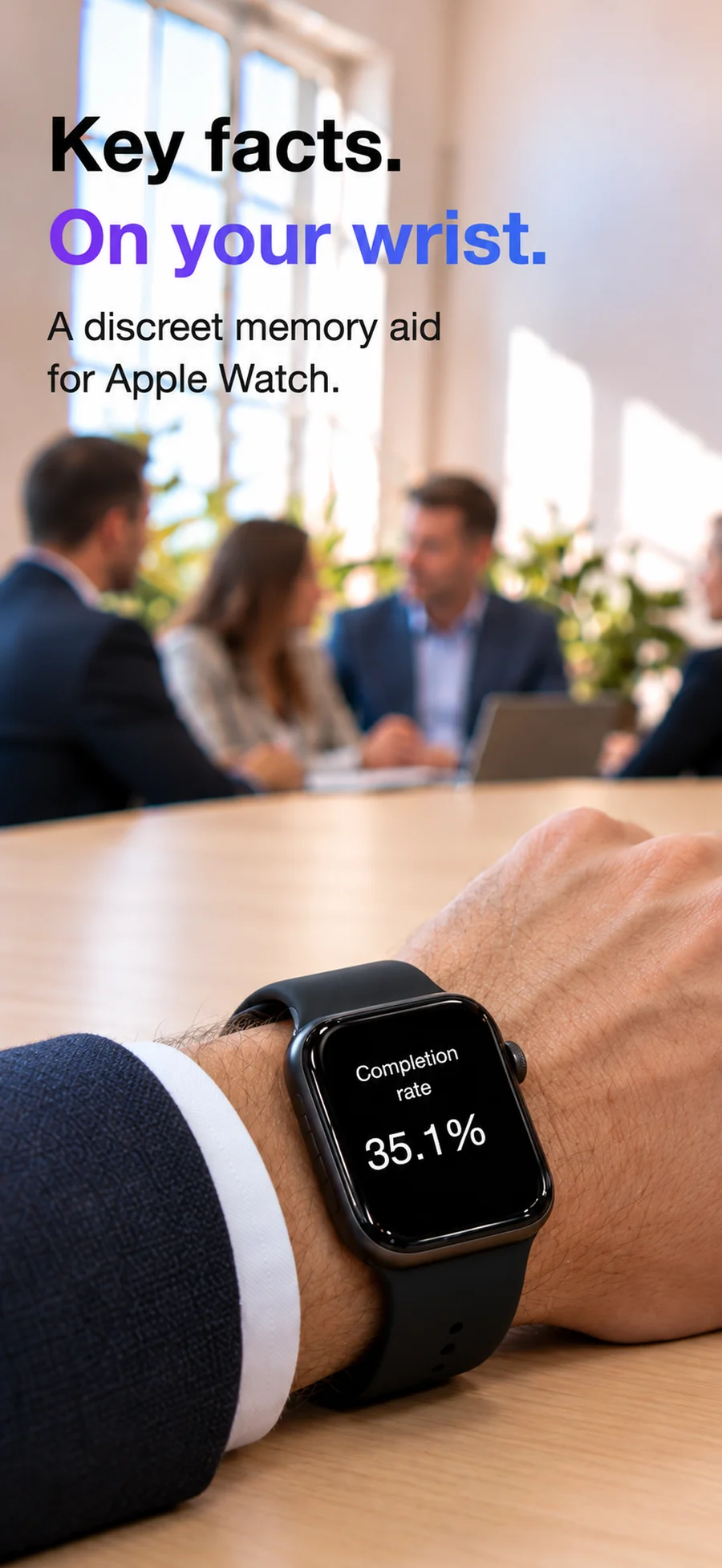
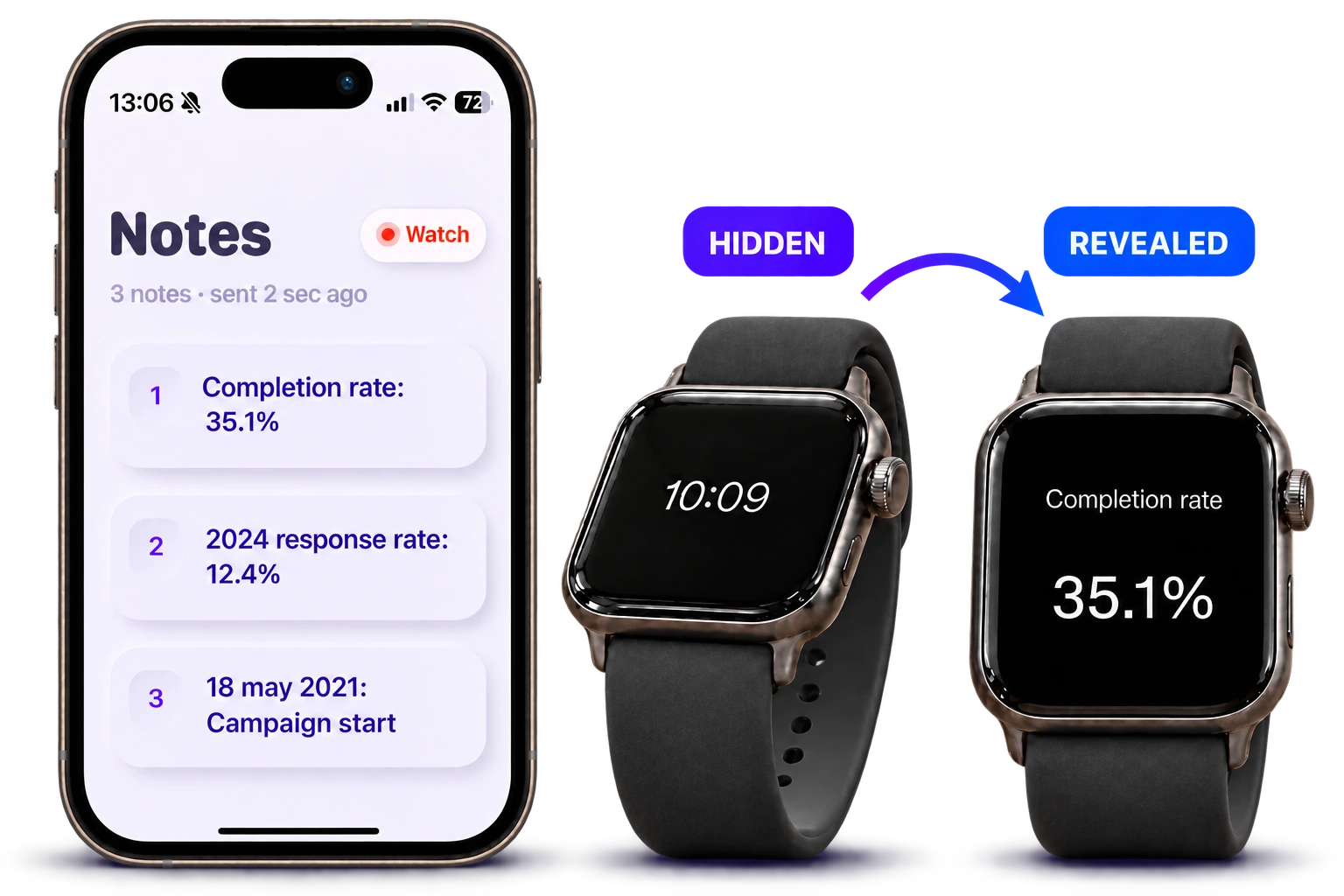
An Apple Watch teleprompter can mean two different things: reading short cue cards on your wrist, or controlling a scrolling script on an iPhone. Peek shows short cues on your wrist when you tilt to read. It doesn’t scroll a script on your iPhone.
Choose where you want to read
For a live talk with occasional prompts, wrist notes let you check the next point between sentences. For a recorded video with exact wording, a larger screen near the camera is usually more practical.
Check the watch’s role before downloading an app. A listing that says Apple Watch support may mean remote controls rather than a script displayed on the watch.
How the options differ
Compare where each app displays your notes and how you control them.
| Option / topic | Workflow | Use case / detail |
|---|---|---|
| Peek | Short notes read on the watch | Live prompts, tilt to reveal and pacing taps |
| CueCard | Watch cue cards and an iPhone teleprompter remote | People who want both workflows |
| Teleprompter.com | Watch remote for a script on the paired iPhone | Controlling playback and speed |
| Teleprompter for Video | Watch remote on the recording screen | Recording with an iPhone script |
CueCard on Apple Watch ↗Teleprompter.com Watch controls ↗Teleprompter for Video setup ↗
Use Peek for a short speaking outline
Write your cues on iPhone and send them to the paired watch. Double-tap the screen in Peek to prepare a note; tilt to show it and level your wrist to hide it. Optional pacing taps can help mark time.
Keep the opening line, the number you must quote accurately and the closing request. If each cue grows into a paragraph, a larger display may suit your talk better.
Questions
Does Peek automatically scroll a speech?
No. Peek displays reference notes on Apple Watch using its reveal and hide controls. It is not an automatic scrolling teleprompter.
Can my watch control a teleprompter on my iPhone?
Yes, some apps support that workflow. Teleprompter.com and Teleprompter for Video document Apple Watch remote controls; check their current setup and plan requirements.