The Peek guide
Make a cheat sheet for iPhone and Apple Watch
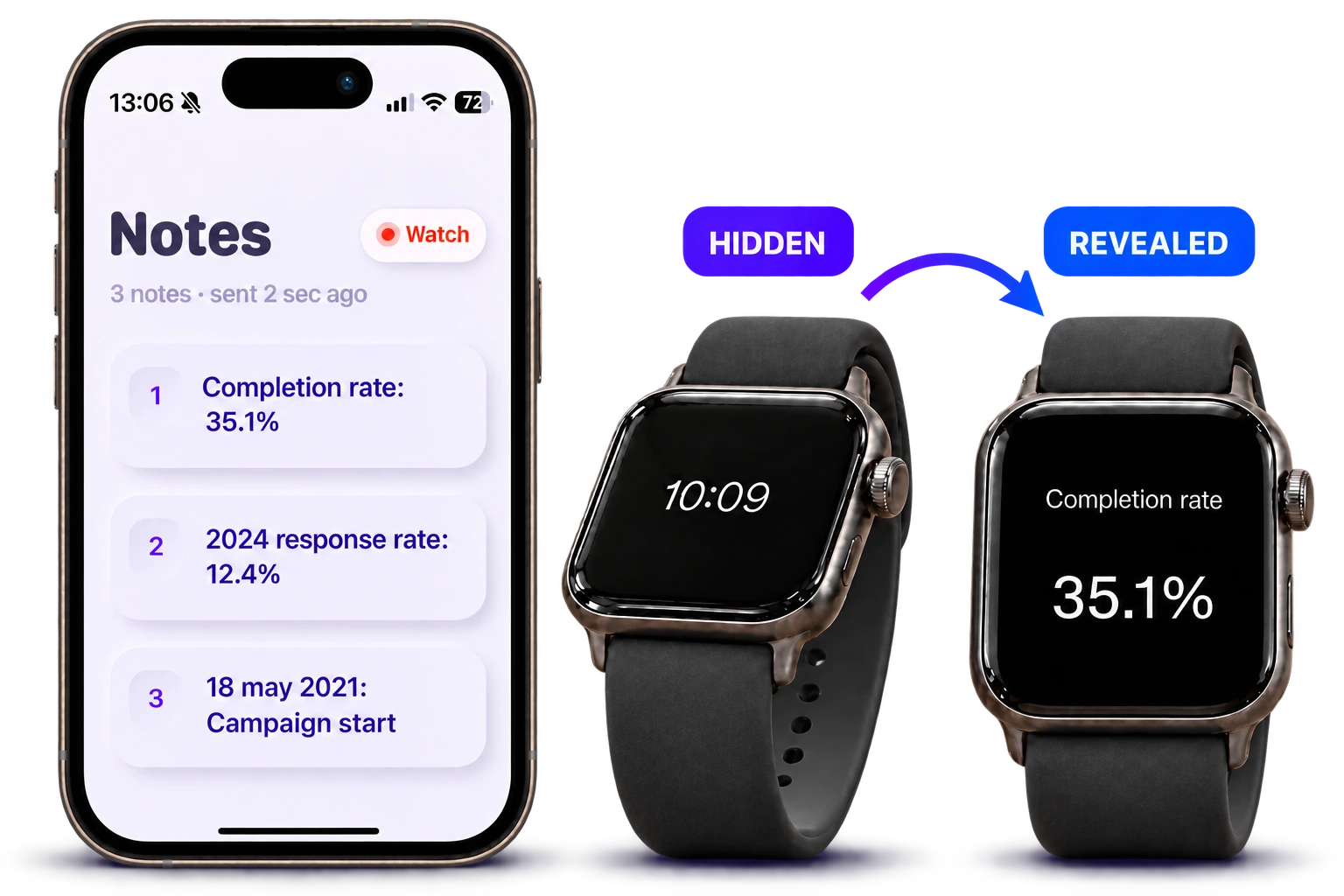
A useful speaking cheat sheet contains the details you need to retrieve quickly: names, dates, figures and transitions. Use an iPhone for a longer outline and an Apple Watch for a few brief cues. Peek lets you compose on iPhone and send cues to your watch.
Decide what needs to be visible
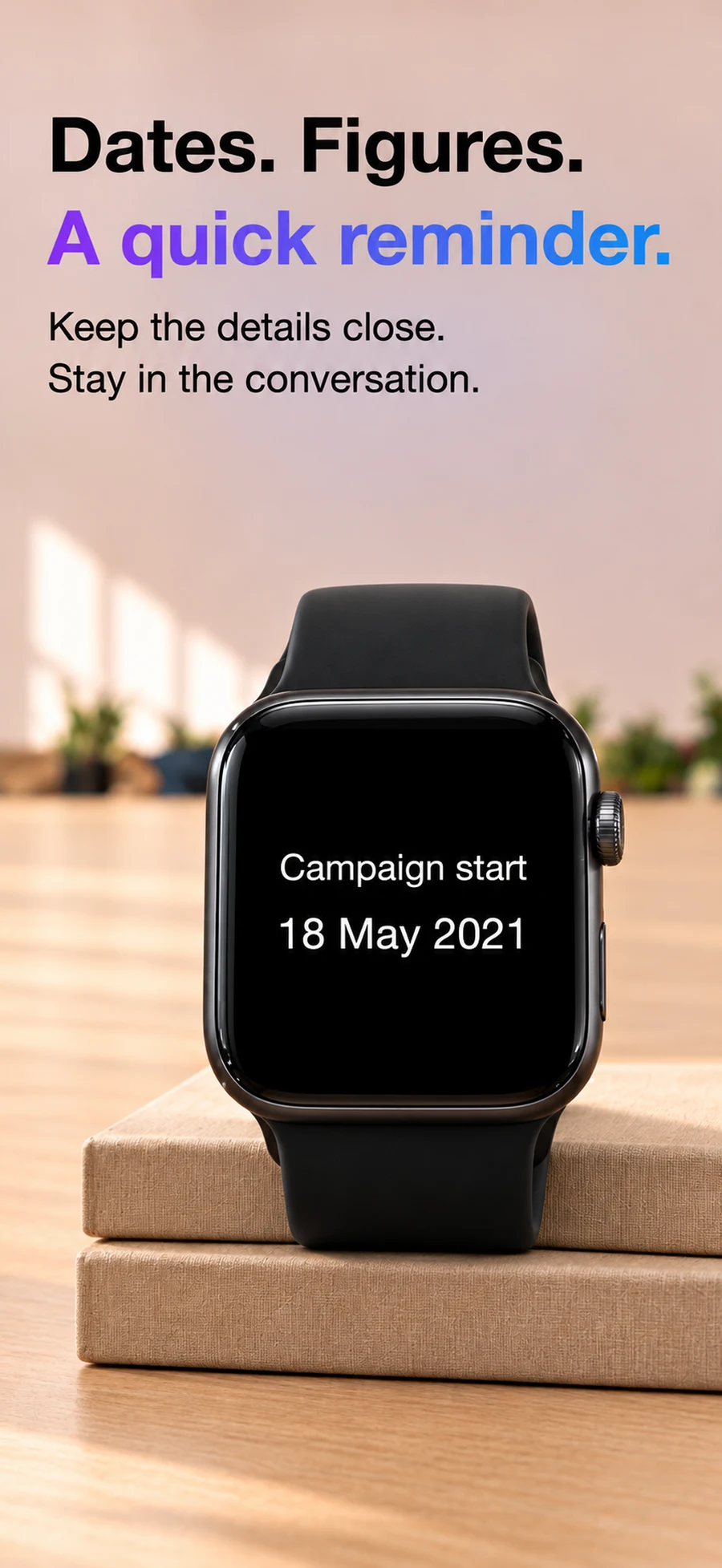
Start with the actual moment of use. A meeting may need three figures and two questions. A speech may need an opening and section transitions. An everyday reference list may work better as a widget.
A cue should help you remember an idea you already understand. Preserve exact names, units and dates; shorten the surrounding explanation.
- Name: “Dr. Morgan — project sponsor”
- Figure: “35.1% completion — pilot cohort”
- Deadline: “12 December — revised proposal”
- Question: “Who owns the next milestone?”
Choose how you want to read
Peek is for cues you reveal with a tilt during an interaction. Cheatsheet Notes emphasizes frequently needed snippets, widgets and Watch complications. Apple Notes can be a good starting point when you already keep the outline there.
Choose the app you can open and read comfortably where you’ll use it.
Keep the reference usable
Group information in speaking order rather than alphabetically. Remove anything you would not check during delivery, and rehearse once without opening your full draft.
For presentations or assessments with rules about notes, follow the organizer’s rules. A personal cue sheet is useful when reference material is permitted.
Questions
Can I make the notes on iPhone?
Yes. In Peek you write on iPhone and tap Send to watch. The notes in this workflow are read on Apple Watch.
Does “hidden notes” mean encrypted storage?
No. Peek’s hidden-note behavior describes showing and hiding the note on the watch screen. It is not a claim of encryption or protection from someone who can access your devices.