The Peek guide
Hidden notes vs locked notes: what “discreet” protects
Hidden notes and locked notes solve different problems. Peek hides a prepared cue until you reveal it on Apple Watch. A locked note uses a security control to restrict who can open it. Do not treat a discreet display as proof that the stored text is encrypted or independently locked.
What do you need to protect?
If you need to recall a name during a talk, you need a readable cue. If you need to protect credentials or confidential records from someone with access to your devices, you need appropriate access controls and secure storage.
“Private notes,” “secret notes” and “hidden notes app” can describe either task in search results. Read the feature description before choosing. A privacy policy or no-account workflow does not, on its own, establish a particular encryption guarantee.
What Peek’s reveal-and-hide interaction does
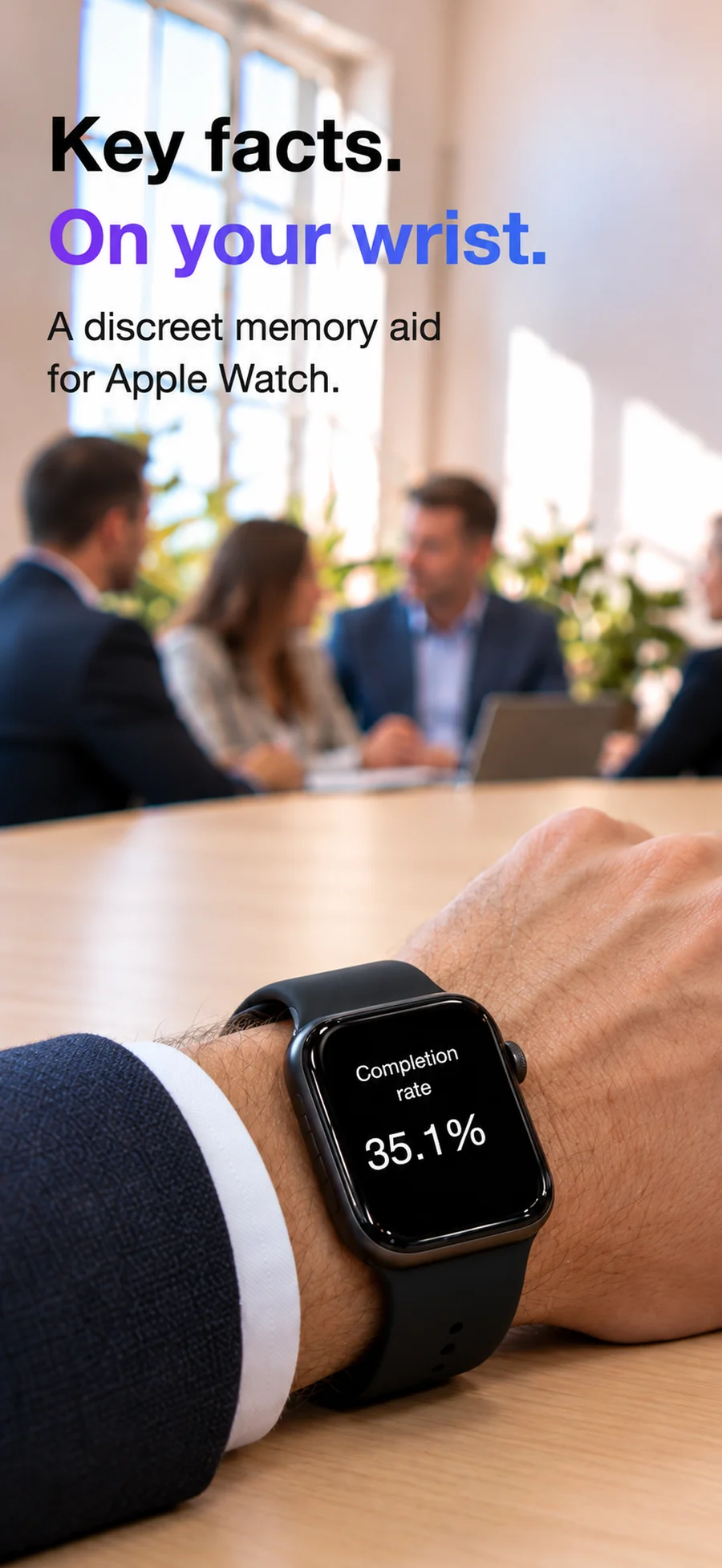
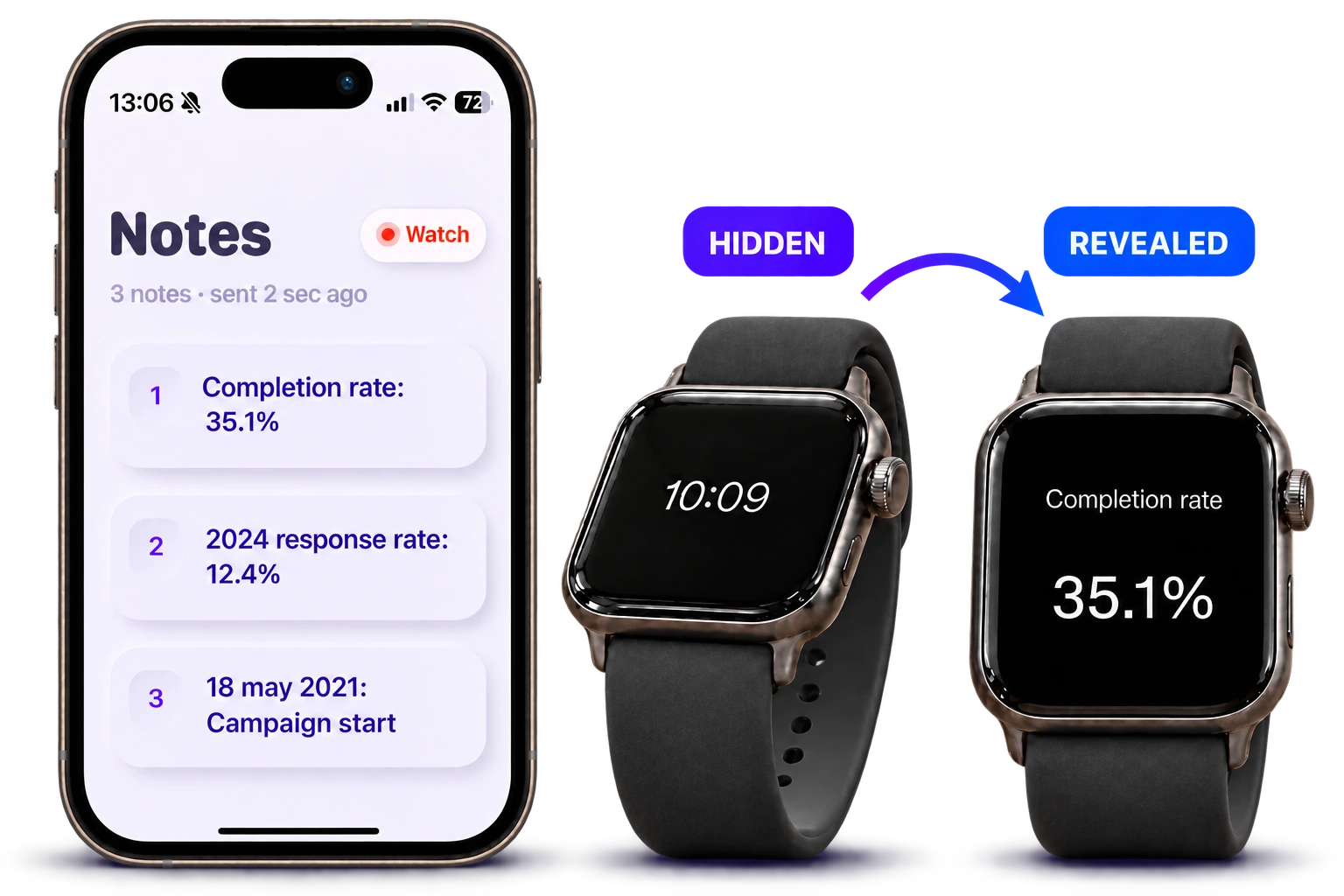
Peek’s App Store description explains notes prepared on iPhone, sent to a paired Apple Watch and revealed by tilting after a double-tap. Leveling your wrist hides the note again.
That controls when text appears on screen. It doesn’t add a separate note password, make the screen invisible or stop someone who can access your devices.
Choose appropriate content for a cue sheet
Use an opening line, a public figure you need to quote or a non-sensitive follow-up question. Leave passwords, banking details and confidential personal records in storage designed for them.
A short cue can help you stay with a conversation. To keep someone else out of your files, check the storage app’s security features. The word “hidden” alone tells you very little.
Questions
Does hidden mean encrypted?
No. Display visibility and storage encryption are separate features. This guide makes no additional encryption claim for Peek.
Can someone beside me see a revealed note?
They may be able to. Screen angle, surroundings and distance affect visibility; Peek does not guarantee shoulder-surfing protection.
Is Peek a secret notes vault for iPhone?
No. The documented workflow is preparing text on iPhone and reading cues on Apple Watch. It is not described as a password-protected vault or hidden iPhone overlay.